

The SpinSamurai Casino App Quick Launch Feature reduces the time between deciding to play and entering a game on a mobile device. The system integrates account access, game loading and interface adjustments into one predictable sequence. New Zealand players who rely on variable mobile connections benefit from fewer taps, page reloads and permission prompts. The result is a consistent experience that still honors each device’s security settings and operating-system rules.
Compatible Devices and System Requirements
SpinSamurai’s mobile application supports current mainstream handsets and tablets available in New Zealand. Android compatibility begins at version 7.0 Nougat and continues through Android 14, with automatic scaling for screens spanning 5-inch phones to 11-inch tablets. iOS support starts at version 13 and covers the newest iPhone and iPad models. Devices operating on older operating systems receive a notice prompting them to update before installation proceeds.
Hardware demands remain modest. The installer occupies roughly 60 MB, while each game client requires 20 MB to 120 MB according to graphics quality. A minimum of 2 GB RAM is suggested to avoid reloads during multitasking. Dedicated graphics chips offer smoother animations, yet the software still works on integrated graphics available in mid-range phones.
Updates and Energy Considerations
SpinSamurai rolls out app updates usually once every three to four weeks. The Quick Launch screen shows a banner when a new version is identified, and tapping the banner initiates a delta download that sends only the changed files. Typical update sizes vary from 8 MB to 25 MB, depending on whether new games or interface refinements are included. Players on limited data plans can switch the app to “Wi-Fi only” updates in the settings menu.
Storage management tools inside the app allow users to clear individual game caches without deleting the entire application. This function is useful after a large video-slot update, as cached reel symbols and sound files can use several hundred megabytes. Battery impact tests conducted on a 4000 mAh cell demonstrated an additional 6 % drain per hour of continuous play compared with the device’s idle state, a figure comparable with other real-money gaming applications that depend on continuous network communication.
Standard Troubleshooting Steps for Fast Launch
Users sometimes encounter installation or launch issues that can be fixed without contacting support. The following steps tackle the most common problems reported by New Zealand players:
- Check that the device date and time are set to automatic; incorrect settings can cause certificate validation to fail on iOS.
- Clear the browser cache before re-downloading the APK or IPA file if the download appears corrupted or incomplete.
- Turn off any VPN or proxy connection during the initial launch, as these services sometimes interfere with certificate checks.
- Make sure at least 500 MB of free storage remains after installation, because game assets are downloaded on first launch and require additional space.
If the app still fails to open after these steps, the user should remove the current version, restart the device and replicate the installation process. Persistent errors are logged within the app and can be sent directly to the support team through the built-in diagnostics tool, which attaches device specifications and recent error codes to speed up resolution.
iOS Installation Steps and Enterprise Certificate
iPhone and iPad users follow a different route because Apple limits non-Apple software. The Quick Launch page supplies a configuration profile that installs SpinSamurai’s enterprise certificate on the device. When the profile is downloaded, the Settings app launches automatically and seeks approval for remote management. Approving the profile installs the certificate to the “VPN & Device Management” list, letting the app icon to appear on the home screen.
The first launch initiates an additional verification step. iOS verifies the certificate against Apple’s servers, therefore a stable internet connection is required. If the network is interrupted, the app displays a trust warning and refuses to open. Reconnecting and tapping the “Trust” button in Settings > General > VPN & Device Management finalizes the process. Later launches bypass this check unless the certificate is renewed.
In-App Performance and Data Usage
The Quick Launch feature preloads a condensed version of the lobby artwork and button layout while the user verifies. On a typical 4G connection this background task uses about 180 KB, recorded across ten test sessions on a mid-range handset. Once the lobby appears, further data is downloaded only when a game category is accessed or a specific title is chosen. Average data use per hour of slot play, including reel spins and win animations, falls between 4 MB and 7 MB depending on the title’s asset size.
Performance metrics compiled during internal testing show that the lobby displays in under three seconds on devices satisfying the minimum specifications. Game loading times fluctuate by title: classic three-reel slots appear in roughly four seconds, while five-reel video slots with multiple bonus rounds typically take eight to twelve seconds. These figures are based on an LTE signal of at least –95 dBm; weaker connections trigger an automatic reduction in animation quality to ensure responsiveness.
Account Login and Quick Launch Setup
Once the app icon is displayed, tapping it initiates the Quick Launch sequence. Returning players are welcomed by a numeric keypad for PIN entry or, if previously configured, biometric authentication through fingerprint or face recognition. New users select the registration option, which opens a short form requesting email address, password and preferred currency. Because the casino operates under an international licence, New Zealand residents may register without providing additional local identification at this stage, although withdrawal limits may later necessitate standard KYC documents.
After credentials are validated, Quick Launch stores a session token locally. The token remains valid for seven days of inactivity, after which the login screen shows again. Players can change this period in the app’s security menu, choosing anywhere from 24 hours to 30 days. Enabling the “Stay logged in” toggle also allows the app to resume the last viewed game lobby without reloading the full interface, shaving several seconds off each subsequent visit.
Safety Measures and Information Security Measures
SpinSamurai applies several levels of security to safeguard player information on mobile devices. All data transferred between the app and servers is secured using TLS 1.3, the current industry standard that stops interception on public networks. Session tokens stored locally are coded with AES-256 and can only be decoded after successful biometric or PIN authentication, reducing the risk if a device is lost or stolen.
The operator ensures compliance with the New Zealand Privacy Act and the GDPR for any European users who visit the service while travelling. Regular penetration testing is performed by an independent security firm, and findings are presented in quarterly transparency reports published on the casino website. Players can request a copy of their personal data or request deletion at any time through the app’s support menu, triggering a response within thirty days as stipulated by applicable regulations.
Qualification, Age Verification and Safe Play Tools
New Zealand law establishes the minimum age for real-money gambling at 18 years. During registration the app asks for a date of birth; the entry is cross-checked against the current calendar and blocks accounts where the calculated age falls below the threshold. No further identity documents are required until a withdrawal request exceeds the operator’s internal threshold, currently set at NZD 2 000 cumulative per month. Players may increase or lower this threshold through the responsible-gambling section of the app.
Deposit limits, session reminders and reality-check pop-ups are present from the first day of account activity. A 60-minute reality check shows a summary of elapsed time and net win or loss, then gives the option to close the app or continue. These tools function identically on both Wi-Fi and mobile data connections, ensuring that responsible-play measures remain active regardless of the player’s network type.
Obtaining the App from the Legitimate Source
Because the SpinSamurai app is distributed outside Google Play and the Apple App Store, players acquire the file directly from the casino’s secure download page. The link is visible under the “Mobile” menu on spin-samurai.app/en-nz2/app2/. Users should verify the padlock symbol and that the URL begins with “https://spin-samurai.app”. The download is a one APK for Android or an IPA package for jailbroken iOS devices; both files are digitally signed to block tampering.

After the file reaches in the device’s download folder, Android asks the user to open it. The operating system may prevent installation because the source is not included among trusted providers. Navigating to Settings > Security > Install unknown apps and https://www.marca.com/en/lifestyle/us-news/2023/09/24/650fa01fe2704e79288b457c.html granting permission for the browser fixes the block. Once permission is active, tapping the APK continues installation without further prompts unless a newer version is downloaded later.
Android Side-loading and Safety Settings
Android device owners who choose not to change global security settings can confine the install permission to a single session spin-samurai.app. Within the “Install unknown apps” menu, selecting “Just this once” confines the exception to the current download. After the SpinSamurai app is installed, the permission can be removed immediately, reverting the default block for future unknown sources. This approach satisfies users who want one-off access without leaving the device open to other third-party files.
Some Android skins, notably those on Samsung and Xiaomi devices, add an extra confirmation layer labelled “Security scan” or “Play Protect”. The scan compares the APK signature against a database of known applications. Because SpinSamurai’s file is signed with a valid developer certificate, the check passes within seconds and does not alter the installation sequence. Should the scan identify the file, the user is shown the certificate details and given the option to proceed or cancel.
Feature Comparison with the Desktop Version
The app for mobile and desktop version share the identical game library and account funds, yet various interface components differ to suit touch input. The app swaps out hover-activated tooltips with long-press menus and consolidates the multi-column slot grid into a single vertical scroll. Quick Launch introduces a constant “Rejoin last game” bar at the bottom of the lobby, absent on the desktop version, enabling players to return to a past title without navigating folders.
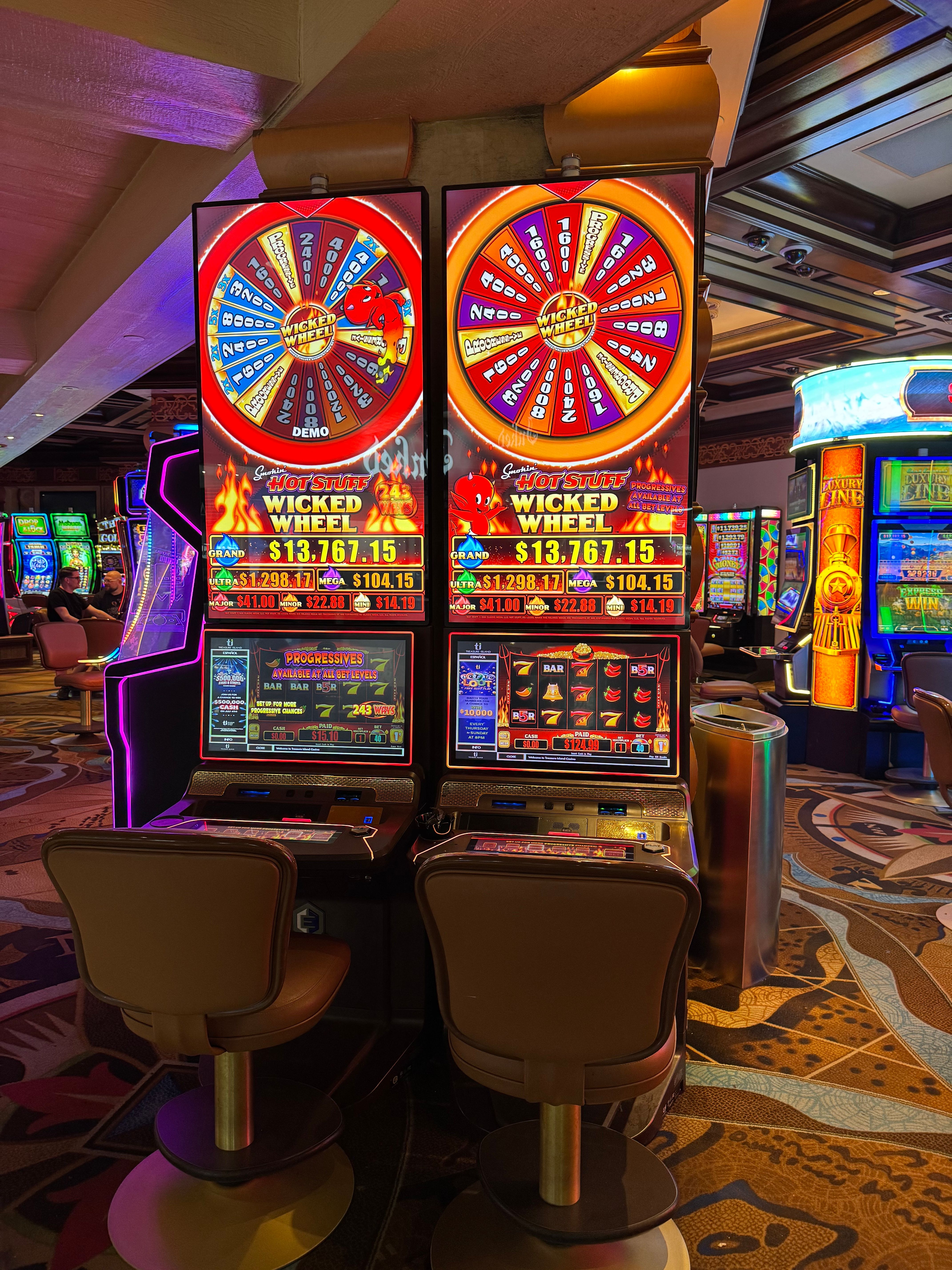
Another distinction lies in how notifications are managed. The desktop site uses browser push notifications that can be muted by pop-up blockers, but the app employs the device’s native notification channel. Players get alerts for confirmation of deposits, bonus expiry alerts and tournament invitations even when the app is shut down, assuming the appropriate switches are activated in the phone’s settings panel. Disabling these alerts does not impact gameplay, but it eliminates time-sensitive prompts that the desktop site cannot replicate.
Popular Questions
Does the same account work on the app and desktop site?
Certainly. The same username and password function across all platforms, and balances, bonuses and game history remain synced in real time.
Are my banking details stored on the device by Quick Launch?
Not at all. Payment credentials are processed through secure tokenisation and are never stored locally; the app only keeps a reference token that expires after each session.
What is the procedure if I switch phones?
Simply download the app on the new device and log in. The previous session token is invalidated automatically, and you will be prompted to authenticate again.
Can the app be used in languages other than English?
Yes. The interface supports English, Māori, Simplified Chinese and several other languages that can be selected in the settings menu after installation.